css 助手
css 助手(hono/css)是 Hono 内置的 CSS in JS(X) 工具。
你可以在命名为 css 的 JavaScript 模板字面量里编写 CSS。css 的返回值是类名,用于设置到元素的 class 属性上。<Style /> 组件会渲染对应的 CSS 内容。
导入
ts
import { Hono } from 'hono'
import { css, cx, keyframes, Style } from 'hono/css'
css Experimental
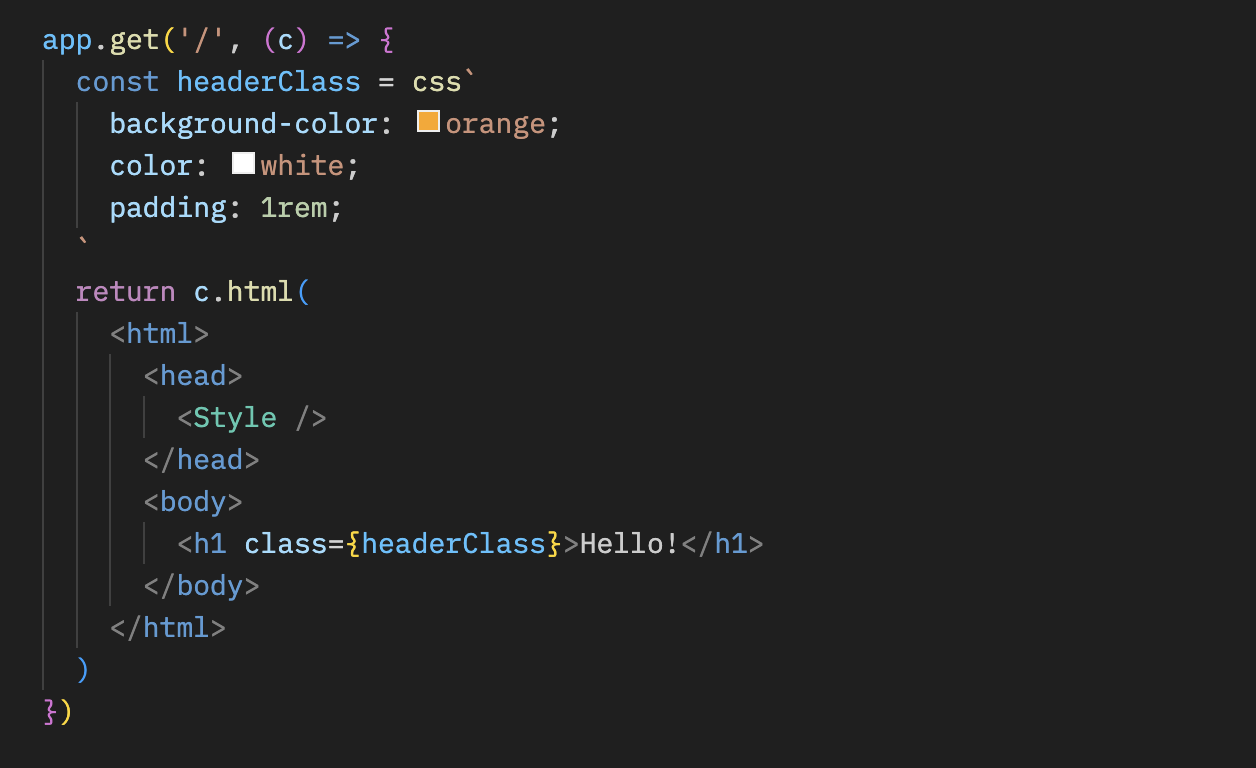
在 css 模板字面量中编写样式,并将返回值(这里是 headerClass)作为元素的 class 属性。别忘了引入 <Style />,它会输出 CSS 内容。
ts
app.get('/', (c) => {
  const headerClass = css`
    background-color: orange;
    color: white;
    padding: 1rem;
  `
  return c.html(
    <html>
      <head>
        <Style />
      </head>
      <body>
        <h1 class={headerClass}>Hello!</h1>
      </body>
    </html>
  )
})
可通过 嵌套选择器 & 定义伪类样式(例如 :hover)。
ts
const buttonClass = css`
  background-color: #fff;
  &:hover {
    background-color: red;
  }
`
扩展
可以通过嵌入类名来扩展 CSS 定义。
tsx
const baseClass = css`
  color: white;
  background-color: blue;
`

const header1Class = css`
  ${baseClass}
  font-size: 3rem;
`

const header2Class = css`
  ${baseClass}
  font-size: 2rem;
`此外,${baseClass} {} 语法可以实现类的嵌套。
tsx
const headerClass = css`
  color: white;
  background-color: blue;
`
const containerClass = css`
  ${headerClass} {
    h1 {
      font-size: 3rem;
    }
  }
`
return c.render(
  <div class={containerClass}>
    <header class={headerClass}>
      <h1>Hello!</h1>
    </header>
  </div>
)
全局样式
可以使用伪选择器 :-hono-global 定义全局样式。
tsx
const globalClass = css`
  :-hono-global {
    html {
      font-family: Arial, Helvetica, sans-serif;
    }
  }
`

return c.render(
  <div class={globalClass}>
    <h1>Hello!</h1>
    <p>Today is a good day.</p>
  </div>
)
你也可以在 <Style /> 组件中搭配 css 字面量书写样式。
tsx
export const renderer = jsxRenderer(({ children, title }) => {
  return (
    <html>
      <head>
        <Style>{css`
          html {
            font-family: Arial, Helvetica, sans-serif;
          }
        `}</Style>
        <title>{title}</title>
      </head>
      <body>
        <div>{children}</div>
      </body>
    </html>
  )
})
keyframes Experimental
使用 keyframes 可以编写 @keyframes 内容。在下例中,fadeInAnimation 即动画名称。
tsx
const fadeInAnimation = keyframes`
  from {
    opacity: 0;
  }
  to {
    opacity: 1;
  }
`
const headerClass = css`
  animation-name: ${fadeInAnimation};
  animation-duration: 2s;
`
const Header = () => <a class={headerClass}>Hello!</a>
cx Experimental
cx 用于组合多个类名。
tsx
const buttonClass = css`
  border-radius: 10px;
`
const primaryClass = css`
  background: orange;
`
const Button = () => (
  <a class={cx(buttonClass, primaryClass)}>Click!</a>
)
同时也支持组合普通字符串。
tsx
const Header = () => <a class={cx('h1', primaryClass)}>Hi</a>与 Secure Headers 中间件配合使用
若要与 Secure Headers 中间件一同使用 css 助手,可在 <Style nonce={c.get('secureHeadersNonce')} /> 上设置 nonce 属性,以避免因 CSS 助手引起的 Content-Security-Policy 限制。
tsx
import { secureHeaders, NONCE } from 'hono/secure-headers'

app.get(
  '*',
  secureHeaders({
    contentSecurityPolicy: {
      // 将预定义的 nonce 值传入 `styleSrc`
      styleSrc: [NONCE],
    },
  })
)

app.get('/', (c) => {
  const headerClass = css`
    background-color: orange;
    color: white;
    padding: 1rem;
  `
  return c.html(
    <html>
      <head>
        {/* 在 css 助手生成的 style/script 元素上添加 `nonce` 属性 */}
        <Style nonce={c.get('secureHeadersNonce')} />
      </head>
      <body>
        <h1 class={headerClass}>Hello!</h1>
      </body>
    </html>
  )
})
小贴士
如果使用 VS Code,可以安装 vscode-styled-components 扩展,为 css 标签模板提供语法高亮与智能提示。